
Stop paying $80+ for a single fight. Learn how to watch Pay-Per-View (PPV) events on IPTV in 2026, including UFC, Boxing, and WWE, securely and without buffering.
How to Watch PPV on IPTV (2026 Ultimate Guide)
If you are tired of paying exorbitant one-off fees for a single night of entertainment, learning how to watch PPV on IPTV is the ultimate solution. A premium IPTV subscription eliminates individual event fees, granting you full access to global combat sports and major broadcasting events right from your home theater. This guide breaks down exactly how to set up your device, find the right channels, and ensure a buffer-free viewing experience for the next big fight.

The Hidden Costs of Traditional PPV Events
The traditional Pay-Per-View (PPV) model is increasingly hostile to dedicated sports fans. Over the past five years, the cost of a major UFC or championship boxing card has steadily climbed, often exceeding $80 per event. When you factor in the required base cable subscription or exclusive streaming app access just to have the privilege of purchasing the PPV, the total cost becomes staggering. According to a 2025 analysis by Sports Business Journal, the average combat sports fan spends over $700 annually just on major events.
Premium digital streaming completely bypasses this outdated model. When you subscribe to a tier-one service like EagleCast TV, all major global PPV events are included in your base package at no extra cost. This represents a massive shift in how media is consumed, giving power back to the viewers. To understand more about the legal landscape of this shift, read our comprehensive breakdown: Is IPTV Legal in the USA?
Finding Your Event: The Sports and PPV Categories
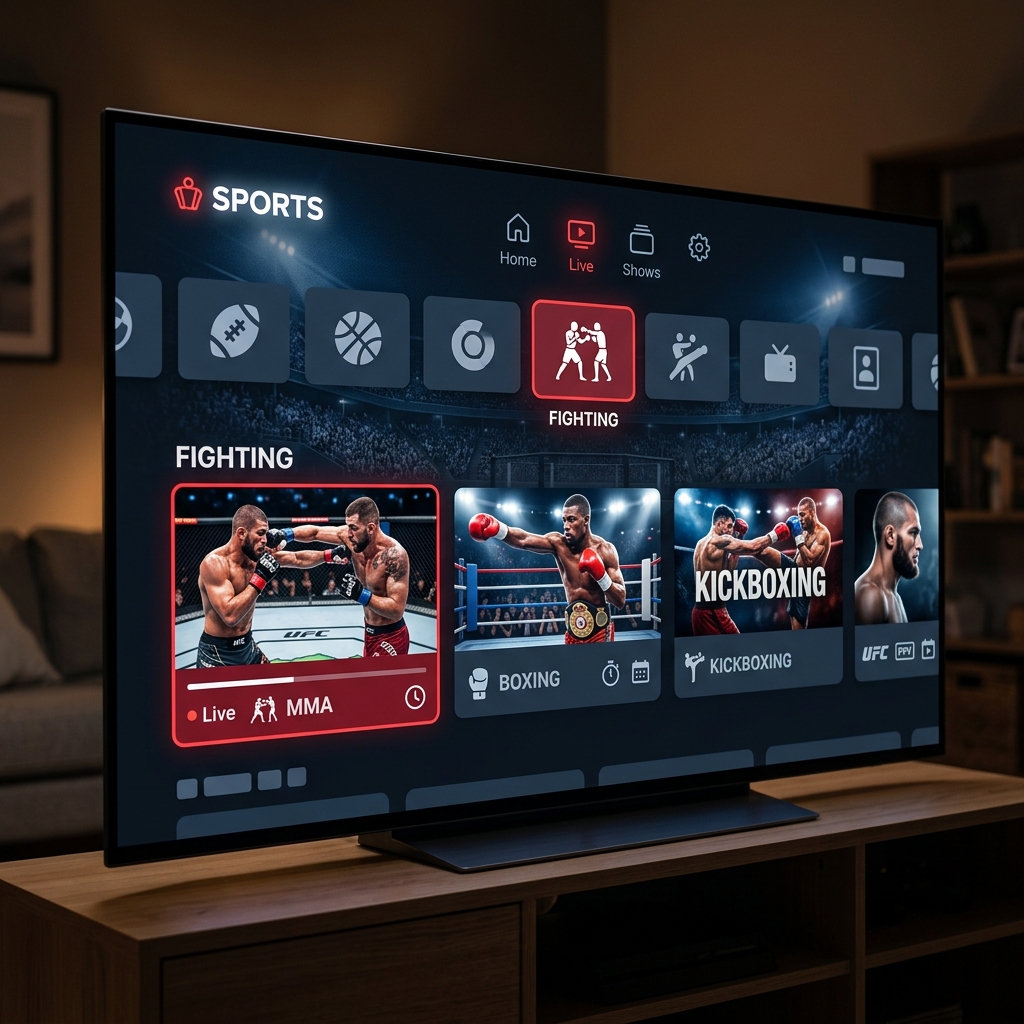
Navigating an IPTV interface to find a specific fight is incredibly straightforward if you use a high-quality application. Most premium providers organize their content logically, separating standard live television from high-profile broadcasts.
On fight night, you generally won't find the main event on standard sports networks like ESPN or Fox Sports. Instead, you need to navigate to your provider's dedicated "PPV" or "Live Events" folder. Within this folder, feeds are often categorized by the broadcasting network (e.g., Sky Sports Box Office, BT Sport Box Office, or dedicated UFC feeds). It is highly recommended to tune into your chosen channel at least 15 minutes before the main card begins to allow your application to cache the stream.
Crucial Settings to Prevent Buffering During Main Events
The biggest challenge when watching highly anticipated PPV events on digital streams is server overload. When millions of viewers attempt to connect to a stream simultaneously, budget providers often buckle under the pressure, resulting in severe buffering right as the main event begins.
EagleCast TV mitigates this by utilizing advanced, load-balanced global servers designed specifically for high-capacity broadcasts. However, you must also ensure your home setup is optimized. First, always connect your streaming device directly to your router via an Ethernet cable; Wi-Fi interference is the leading cause of micro-stutters during live sports. Second, if your provider offers multiple backup feeds for the same event (e.g., Feed 1, Feed 2), seamlessly switch to a secondary feed if the primary one experiences congestion. For a complete technical walkthrough on optimizing your connection, read our guide on how to fix IPTV buffering.
Hardware: Setting Up Your Device for Fight Night
You don't need expensive proprietary hardware to enjoy 4K PPV streams. The most popular and cost-effective device among cord-cutters is the Amazon Firestick 4K Max. It provides more than enough processing power to decode high-bitrate live sports feeds without overheating.
If you are new to sideloading applications, the process is very safe and only takes a few minutes. We have created a dedicated, step-by-step tutorial on how to install IPTV on Firestick to get you ready before the weekend. If you are deeply integrated into the Apple ecosystem, the Apple TV 4K is also an exceptional choice for live streaming, and you can learn how to optimize it by reading our guide on how to set up IPTV on Apple TV.
Cable Packages vs Premium Digital Subscriptions
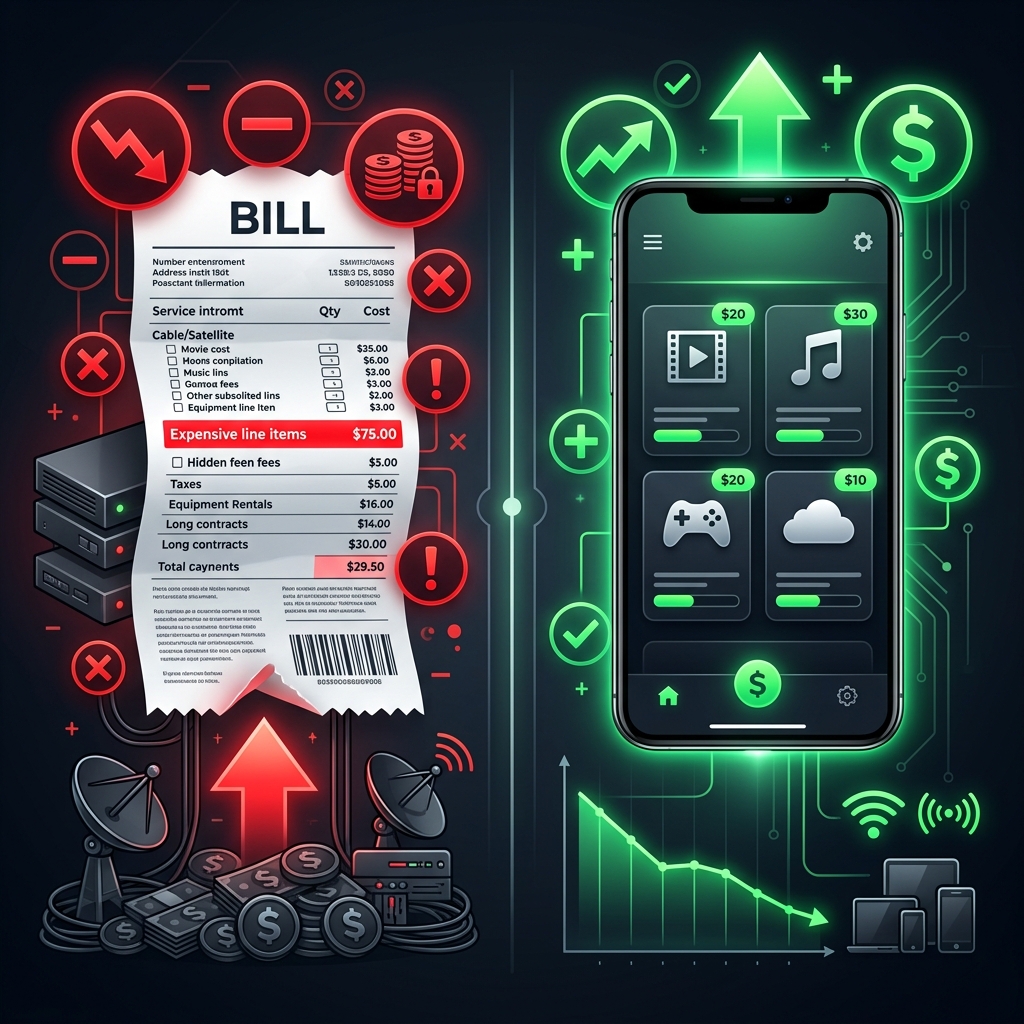
To truly understand the value of a digital subscription, it helps to compare the financial reality of being a combat sports fan under both models.
| Feature | Traditional Cable + PPV Purchases | EagleCast TV Premium Subscription |
|---|---|---|
| Annual Base Cost | $1,200+ ($100/mo) | Fraction of cable costs |
| Major UFC/Boxing Events | $80+ per event | Included (Zero extra fees) |
| International Sports | Requires extra channel packages | 30,000+ Global Channels Included |
| Hardware Fees | $15/mo box rental fees | Use your own Smart Device |
Frequently Asked Questions
- Why is my IPTV buffering during PPV events?
Buffering during major PPV events is almost always caused by server overload or local Wi-Fi interference. Premium services use load-balanced servers to prevent this, but viewers should also use a wired Ethernet connection to ensure stability. - Do I have to pay extra for UFC and Boxing on IPTV?
No. When using a premium IPTV subscription, all major Pay-Per-View events, including UFC, championship boxing, and WWE, are included in your standard monthly or annual package at no additional cost. - What channel is the PPV fight on IPTV?
PPV events are typically not broadcast on standard sports networks. You must navigate to your provider's dedicated "Live Events" or "PPV" category folder to find the specific feed for the fight.
You shouldn't have to break the bank just to watch the fights you love. Head over to the pricing page today, select your plan, and make sure your home theater is fully equipped for the next massive PPV event.